
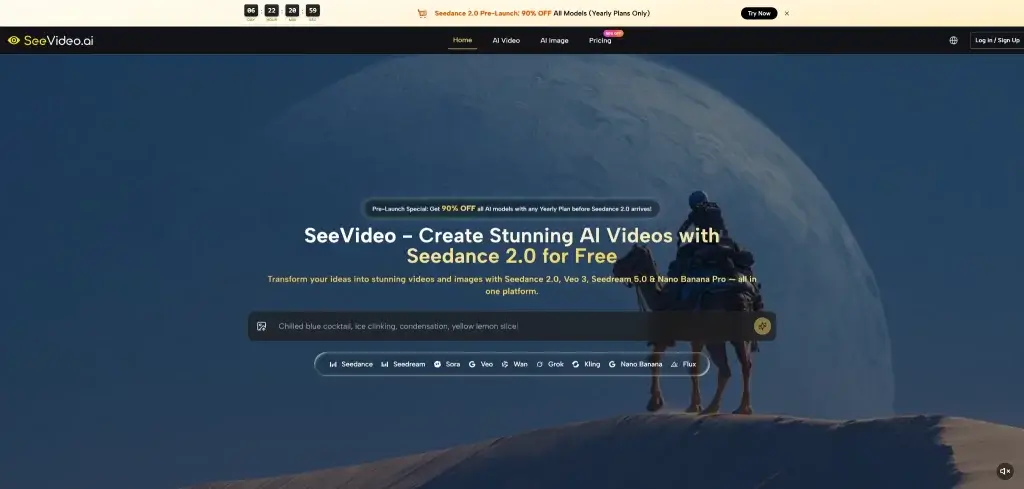
Many people do not struggle with ideas. They struggle with translation. They can imagine a short fashion clip, a product teaser, a moody cinematic shot, or a visual story for social media, but turning that idea into moving images still feels technical, slow, and expensive. That gap is where Seedance 2.0 becomes interesting. In my observation, the appeal is not simply that it can generate AI video, but that it frames video creation as a lighter creative workflow rather than a full production pipeline.
That shift matters because short-form content now moves faster than traditional editing habits. A marketer may need three variants before lunch. A creator may need to test tone before committing to a campaign. A small team may want stronger visual output without building an in-house motion department. In that environment, the real question is not whether AI can make video at all. The more useful question is whether a platform can reduce friction while still giving enough control to make the result usable.
What makes this platform worth examining is that it does not present video generation as a single isolated trick. It positions video creation around multiple inputs, multiple model choices, and a workflow that can move from idea to output with less operational overhead. That makes it easier to understand not as a novelty, but as part of a broader shift in how visual content may be planned, tested, and refined.
How The Platform Organizes Creative Workflows
The first thing that stands out is structure. Instead of asking users to treat all requests the same way, the platform separates creation into clear modes. You can begin from text when the idea is still abstract, or begin from an image when the look is already defined. In practical terms, that means it supports both concept-first and asset-first creation.
Why Text Prompts Remain A Useful Starting Point
Text input is still the fastest way to test a direction. A user can describe subject, motion, setting, pacing, or visual mood in plain language, then use the result as a draft rather than a final answer. In my view, this is most valuable when speed matters more than perfection in the first round.
Text Prompts Help Externalize Unclear Ideas
A vague idea often becomes clearer once it becomes visible. That is one of the practical strengths of text-to-video systems. They can act as interpretation tools, not just generation tools. Even when the first output is imperfect, it often reveals what the user actually wanted.
Why Image Inputs Reduce Creative Uncertainty
Image-to-video is useful for a different reason. It lowers ambiguity. When composition, character design, color direction, or product framing is already decided, starting from an image gives the model a stronger base. That tends to make the output feel more directed.
Image Inputs Support Style And Character Continuity
For brand work, campaign work, or recurring visual identities, consistency matters more than novelty. A still image can carry those anchors into motion. In my observation, that makes image-led generation easier to use for practical projects than purely prompt-led experimentation.
What Makes The Underlying Model Feel Distinct
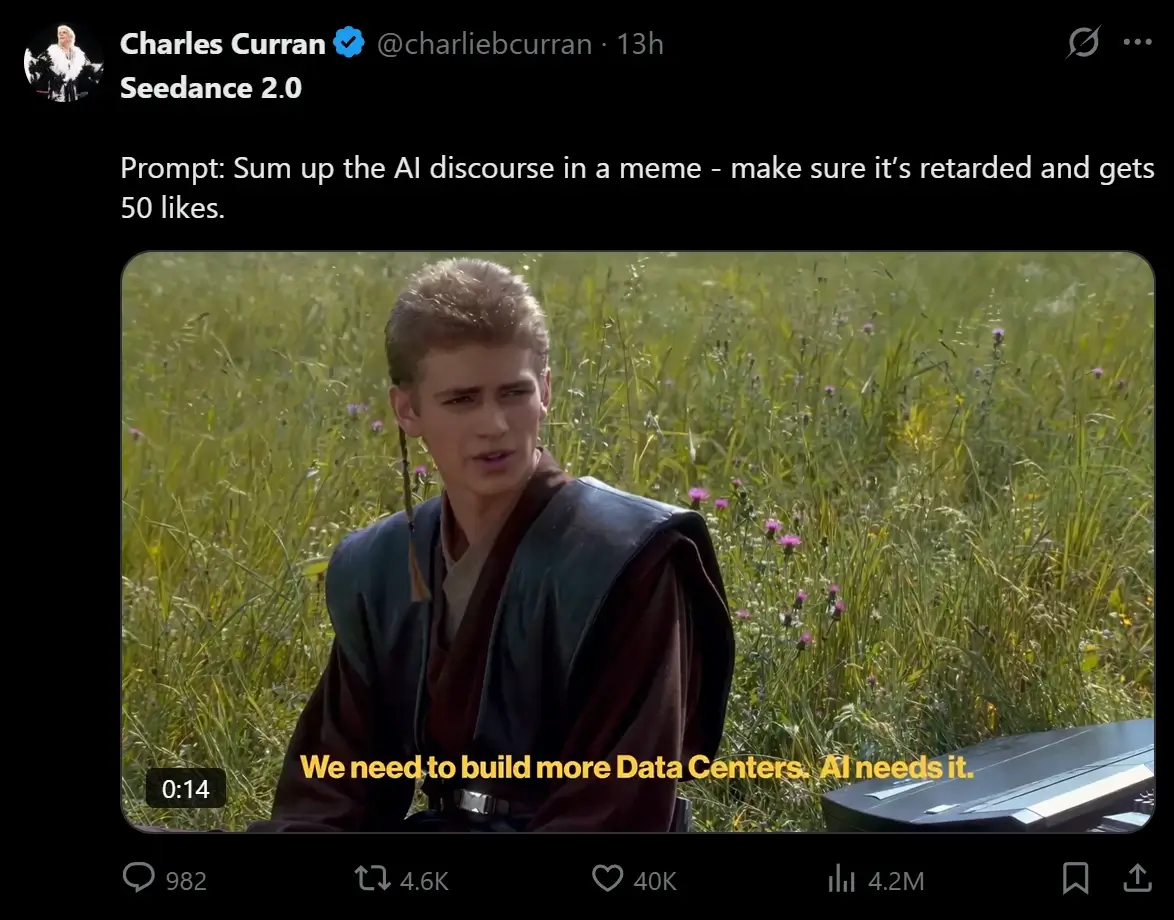
The platform publicly emphasizes Seedance 2.0 as its central video model, and that positioning is meaningful. It suggests that the experience is built around motion quality, multi-scene generation, and more flexible input handling rather than around one flashy demo case.
Multi Scene Generation Changes Output Ambition
A major difference between simple AI clips and more useful AI video systems is whether they can handle more than one visual beat. Multi-scene generation matters because many real videos are not a single moment. They involve progression, transition, and change. A tool that can move across scenes begins to feel closer to storytelling than to animation of a single frame.
Scene Changes Make Narrative Testing Easier
This matters for commercial use. A founder can test a problem-solution sequence. A creator can test intro, payoff, and closing shot. A product team can test several visual beats without editing each one manually. That does not replace traditional craft, but it can compress the distance between concept and preview.
Audio Support Expands The Planning Possibility
Another notable point is audio input support. That matters because motion alone rarely carries the full emotional load of a short video. Sound influences rhythm, tone, and perceived polish. A workflow that considers audio earlier can feel more complete than one that treats sound as an afterthought.
Audio Affects Timing More Than Many Users Expect
In many short-form formats, timing is the message. A dramatic pause, a beat drop, or a dialogue cue can change how motion feels. When a platform recognizes audio as part of generation logic, it points toward a more integrated creative process.
How Official Workflow Looks In Real Use
Based on the public flow, the usage path is relatively direct. That simplicity is part of the product logic. It lowers the number of decisions a user must make before seeing output.
Step One Choose The Starting Creation Mode
Begin by deciding whether the project starts from text or from an uploaded image. That choice depends on what is already clear. If the concept is still forming, text is the faster starting point. If style and framing are already established, image-to-video is the more controlled route.
Step Two Select The Best Fit Model
The platform presents more than one video model, with Seedance 2.0 as the main option. In practice, model choice works like a creative strategy decision. One model may lean toward multi-scene flexibility, while another may be better for a specific visual character. This is useful because not every project needs the same type of output.
Step Three Enter Inputs And Generate Variations
After selecting the mode and model, the user submits the prompt or reference image and starts generation. This is the point where iteration becomes important. In my tests of similar workflows, the strongest result often comes from comparing a few slightly different attempts rather than expecting one perfect output immediately.
Step Four Compare Results And Refine Direction
The platform also emphasizes comparing outputs across models. That is a practical feature, not just a marketing line. Different engines interpret the same request differently. Side-by-side comparison helps users learn which model suits realism, pacing, stylization, or narrative structure more effectively.
Where The Platform Feels Strongest In Practice
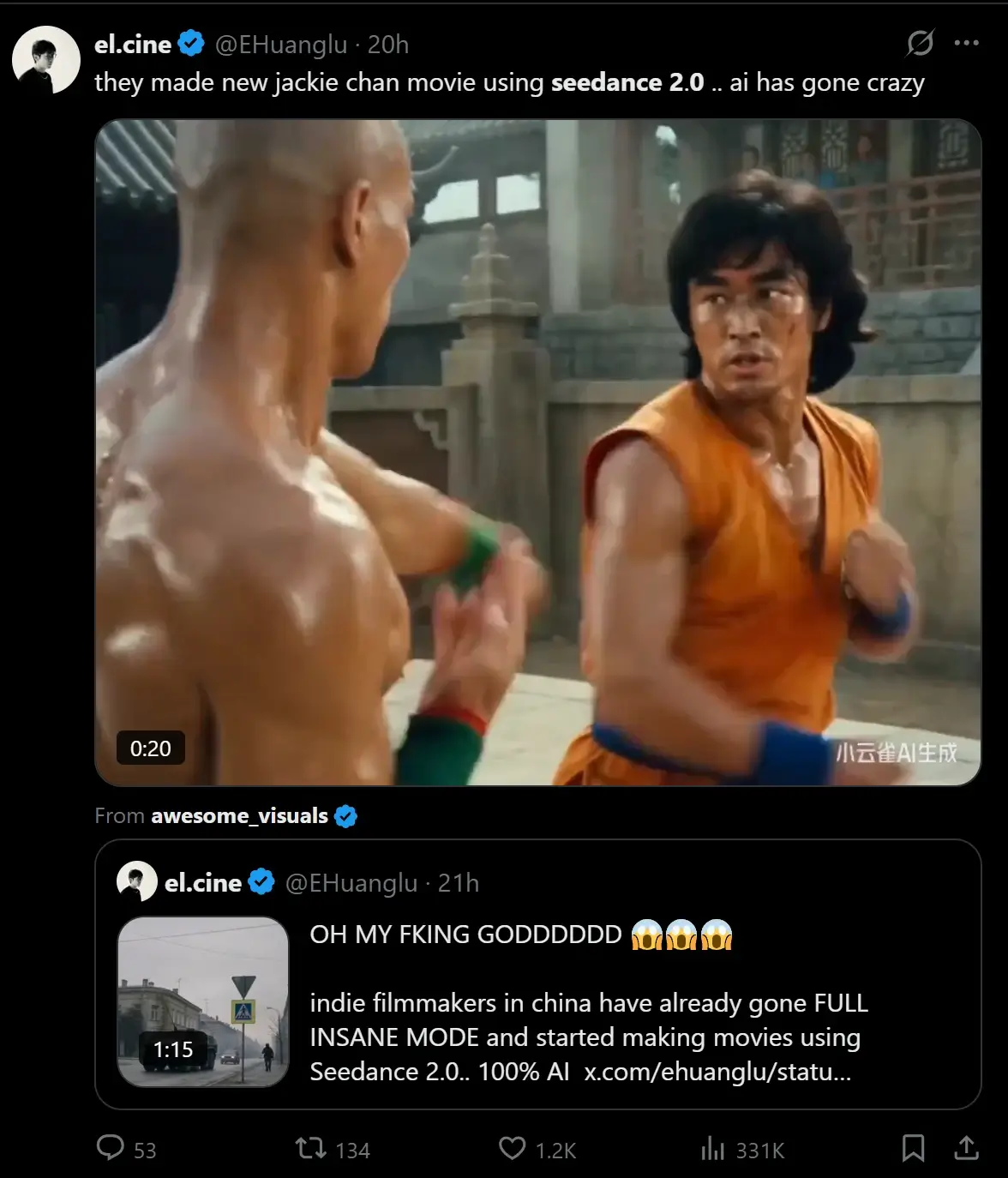
Its strength is not that it removes creative judgment. Its strength is that it reduces production friction around that judgment. It gives users a faster way to test visual direction before investing deeper time elsewhere.
| Aspect | What It Helps With | Why It Matters |
| Text to video | Early concept exploration | Useful when the idea is still rough |
| Image to video | Stronger visual control | Better for style consistency and product framing |
| Multi-scene support | More narrative structure | Helps clips feel less static |
| Audio-aware workflow | Better rhythm and mood planning | Makes outputs feel more complete |
| Multiple model access | Side-by-side comparison | Useful when one model is not enough |
| Commercial usage emphasis | Practical business use | Relevant for teams making client or campaign assets |
Why Model Variety Can Be More Valuable Than Hype
A single strong model can be impressive, but real work often benefits from options. Different prompts expose different model strengths. In my observation, a platform becomes more useful when it allows comparison instead of forcing loyalty to one engine. That makes decision-making more empirical and less promotional.
Comparison Improves Creative Confidence Over Time
As users repeat projects, they begin to notice patterns. One model may handle motion more gracefully. Another may deliver stronger atmosphere. Another may be better for quick drafts. That accumulated pattern recognition is part of what turns experimentation into workflow.
Where Human Judgment Still Matters Most
Even with a capable generation system, output quality still depends heavily on direction. The platform can reduce labor, but it does not eliminate the need for taste, clarity, and revision.
Prompt Quality Still Shapes Final Results
The model can only respond to the information it receives. A weak prompt often creates a weak result. A vague image reference may also lead to a vague motion outcome. In practice, users still need to think clearly about subject, pacing, visual tone, and intended effect.
Iteration Remains Part Of Serious Use
This is one of the most important limitations to state honestly. Good results may require multiple generations. For some users, that is a feature because it enables exploration. For others, it may feel like extra effort. The right expectation is not instant perfection, but faster visual testing.
Best Results Come From Clear Creative Intent
The platform appears strongest when the user already knows what kind of feeling or structure they want. It helps translate direction into output, but it does not replace direction itself. That distinction is important because it keeps expectations realistic.
Why This Matters For Future Content Production
What interests me most is not just the model name or the output demo. It is the workflow implication. A system like this suggests a future where more teams can prototype video ideas the same way they now prototype copy, thumbnails, or landing page variants.
For creators, that can mean faster experimentation. For marketers, it can mean lower production friction. For small businesses, it can mean access to visual testing that once required far more time and budget. That does not mean every generated clip will be great. It means the path to a usable clip may become much shorter.
Seen that way, the real value of this platform is not pure automation. It is creative acceleration with a reasonable amount of control. And in a content environment where speed and iteration increasingly shape outcomes, that may be the more important change.

Cassia Rowley is the mastermind behind advertising at The Bad Pod. She blends creativity with strategy to make sure ads on our site do more than just show up—they spark interest and make connections. Cassia turns simple ad placements into engaging experiences that mesh seamlessly with our content, truly capturing the attention of our audience.